Android and PWA
Use the Android app or the browser version. Both share the same screens and workflow.
Client project · Time-tracking app
A personal time registration that goes with you. Clock in, track breaks and track your earnings. On your own Android device, even without internet.
The challenge
A start time on paper, a break that you try to remember later and add everything up again at the end of the month.
With the app
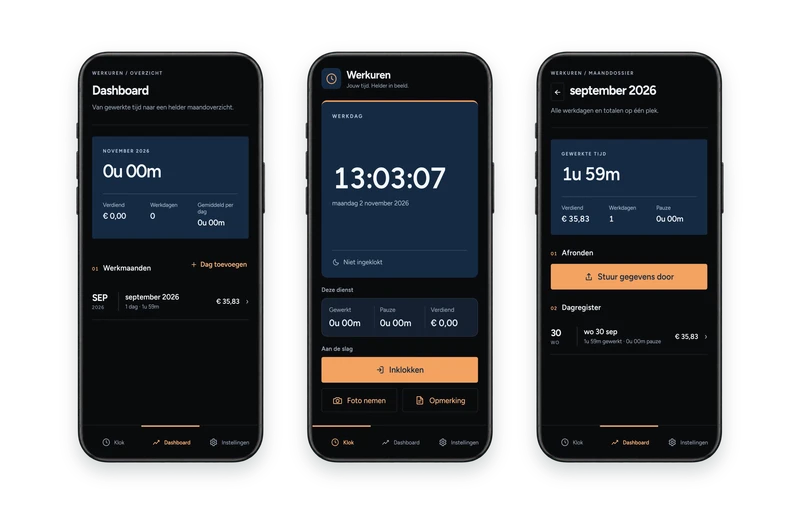
You keep track of your working day on your phone. The same registration forms the basis for your monthly overview and the PDF report.
This is how it works in practice
Select a step and view the corresponding app screen, with fictional demo data.
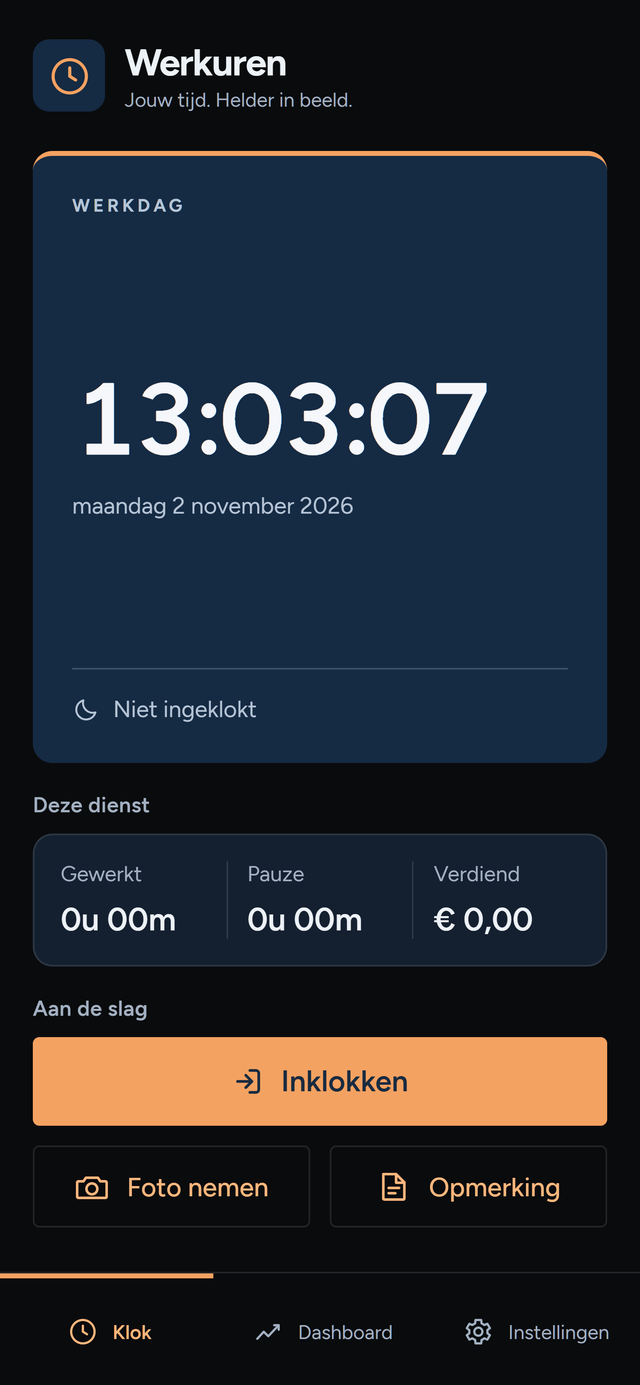
Werkuren uses local storage. Your hours are not automatically sent to a central server. Make regular backups to restore your registration.
Clock in and out and record breaks. Add a working day manually or correct the registration when necessary.
Use a standard rate or choose a work type with its own rate. View hours and calculated earnings in the overview.
View your registered workdays and create a PDF monthly report to share with your employer.
Keep extra context about your workday with comments and photos.
Notifications in the app help with a long shift or break. You determine the boundaries; hours only change after your confirmation.
Export a backup and restore it later. The backup format is interchangeable with the web version of Werkuren.
Choose the theme that suits your preference and work environment.
The Android app stores registrations in SQLite and photos on the device. No server or account is required.
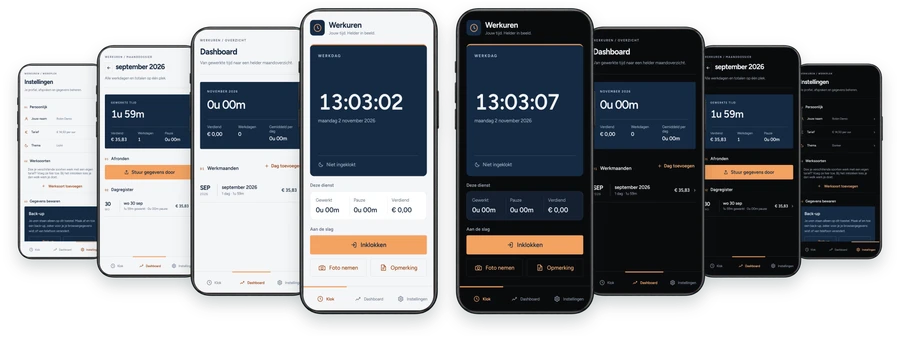
The same app, in two versions. The light theme on the left, the dark theme on the right. From front to back you see the main screen, dashboard, an open month and the settings in both themes. Choose what works best for you in the settings, or let Werkuren follow your phone's settings.